
Recent Updates, Changes & Additions
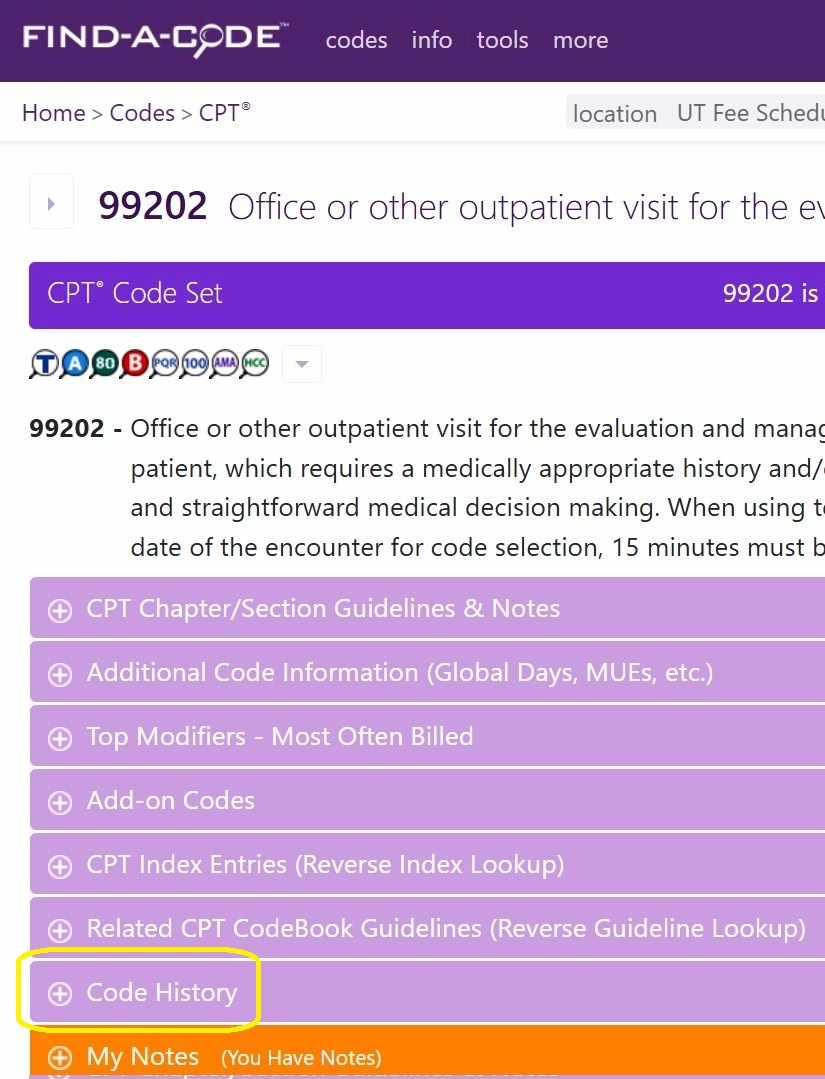
We've created a new tool for viewing code changes over the years: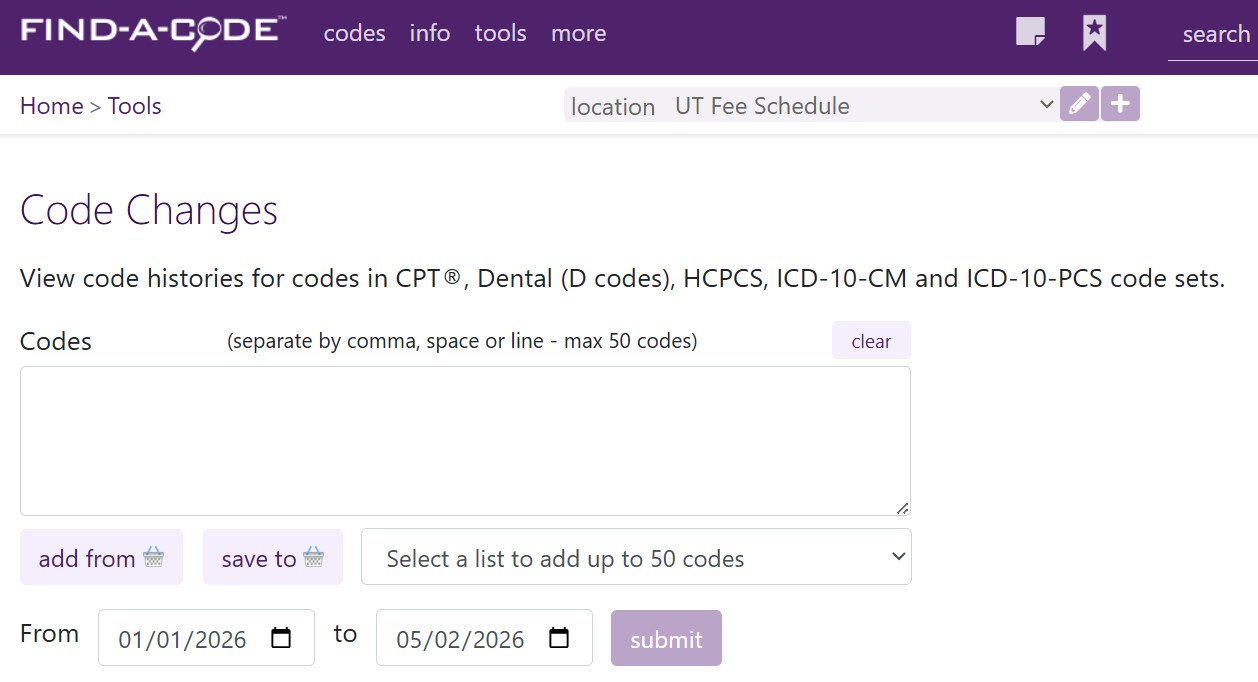
Codes may be entered, imported from your current CodeBasket, or loaded from a code list or saved CodeBasket Snapshot (saved list of codes). Codes entered may also be added to your CodeBasket as a Snapshot. You may also select a range of date for which to see code changes.
Changes include alterations of the code description, NCCI Edit changes (vs. prior quarter) - for both Facility and non-Facility) and Medicare RVUs: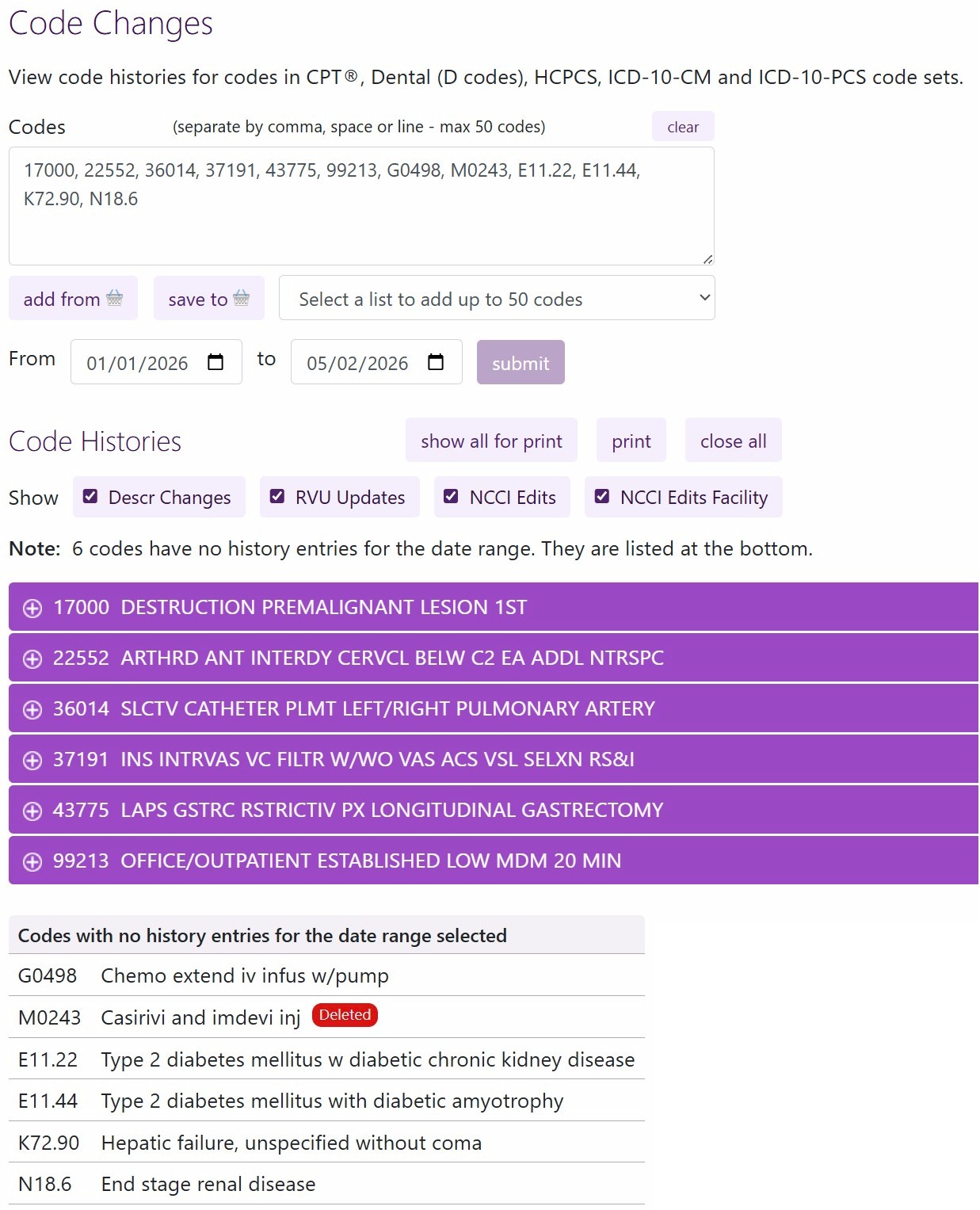
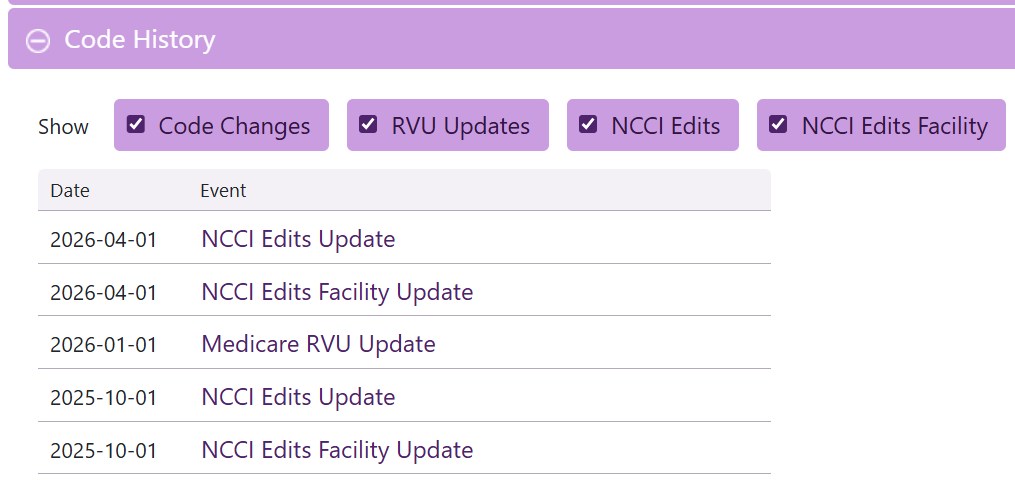
Change types may be shown or hidden using the checkmark-buttons. All change sections can also be opened/shown for printing. Changes for each code are shown in their own pop-open section. Codes without any changes for the date range are listed at the bottom.
When a code section is opened you will see the code description and changes listed by date, most recent to oldest (for the date range selected):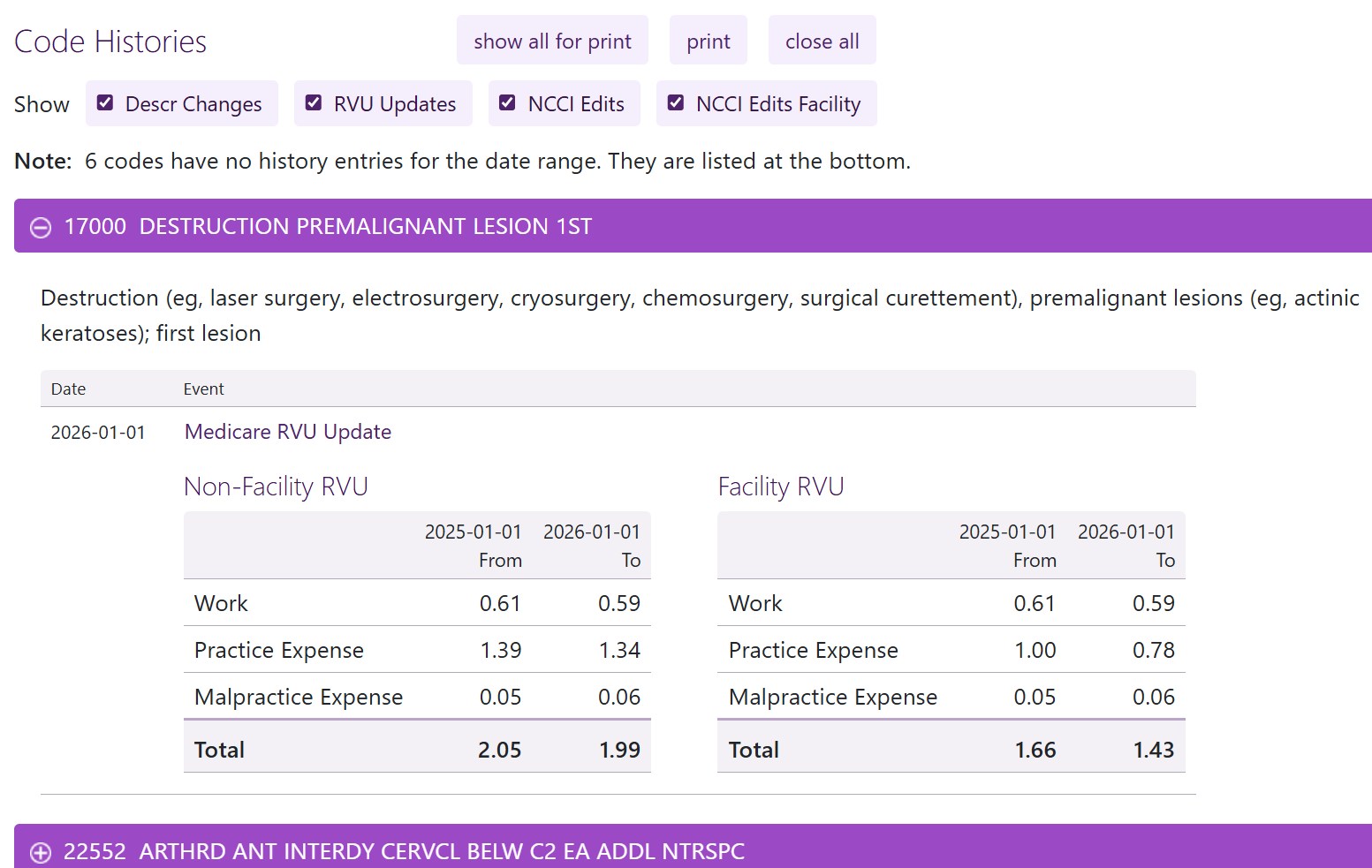
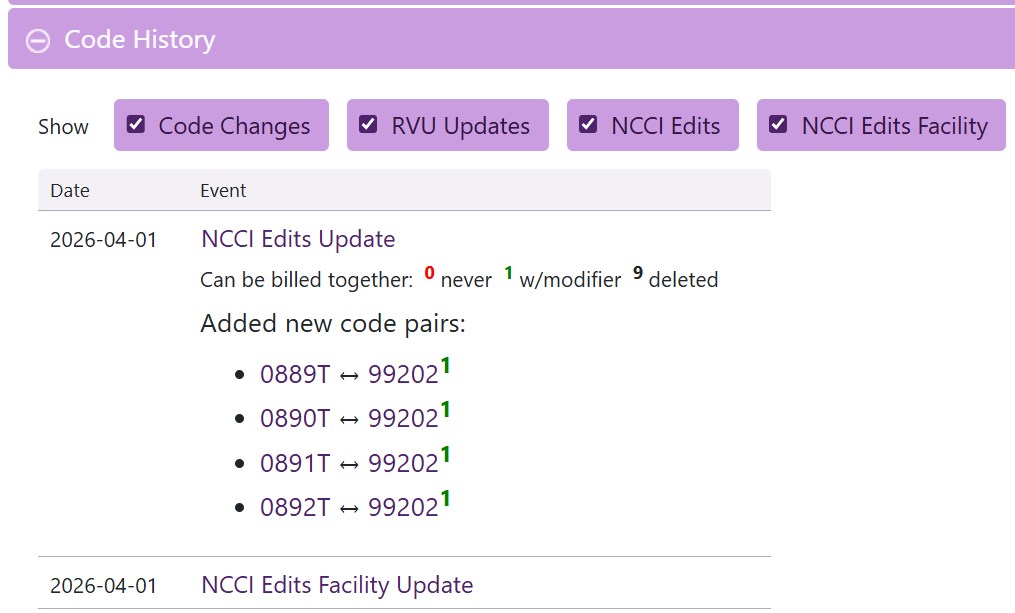
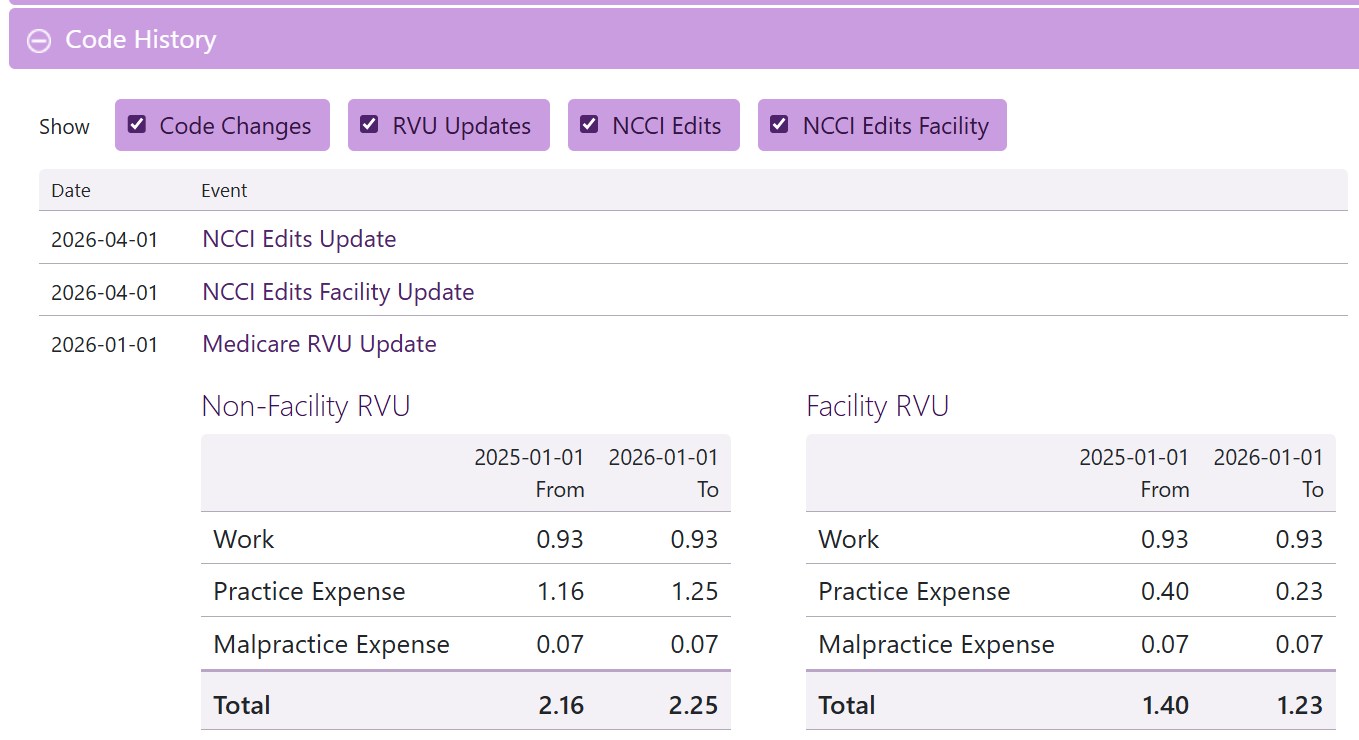
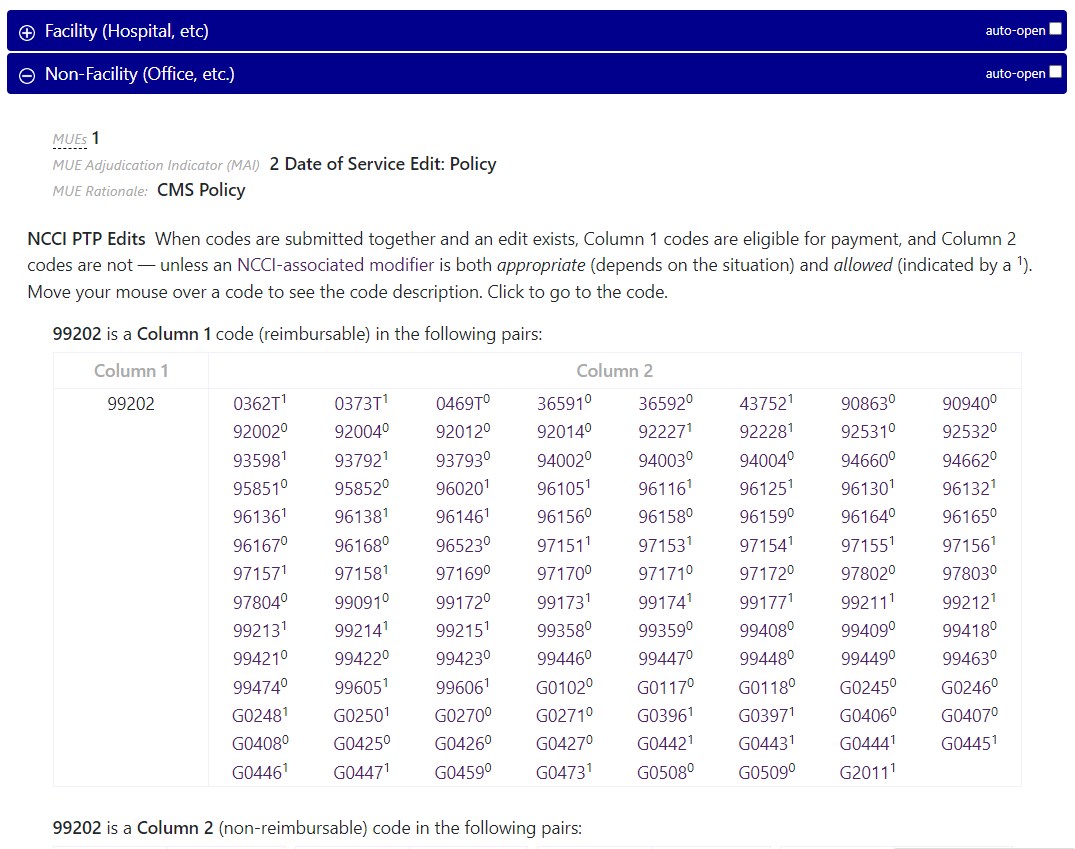
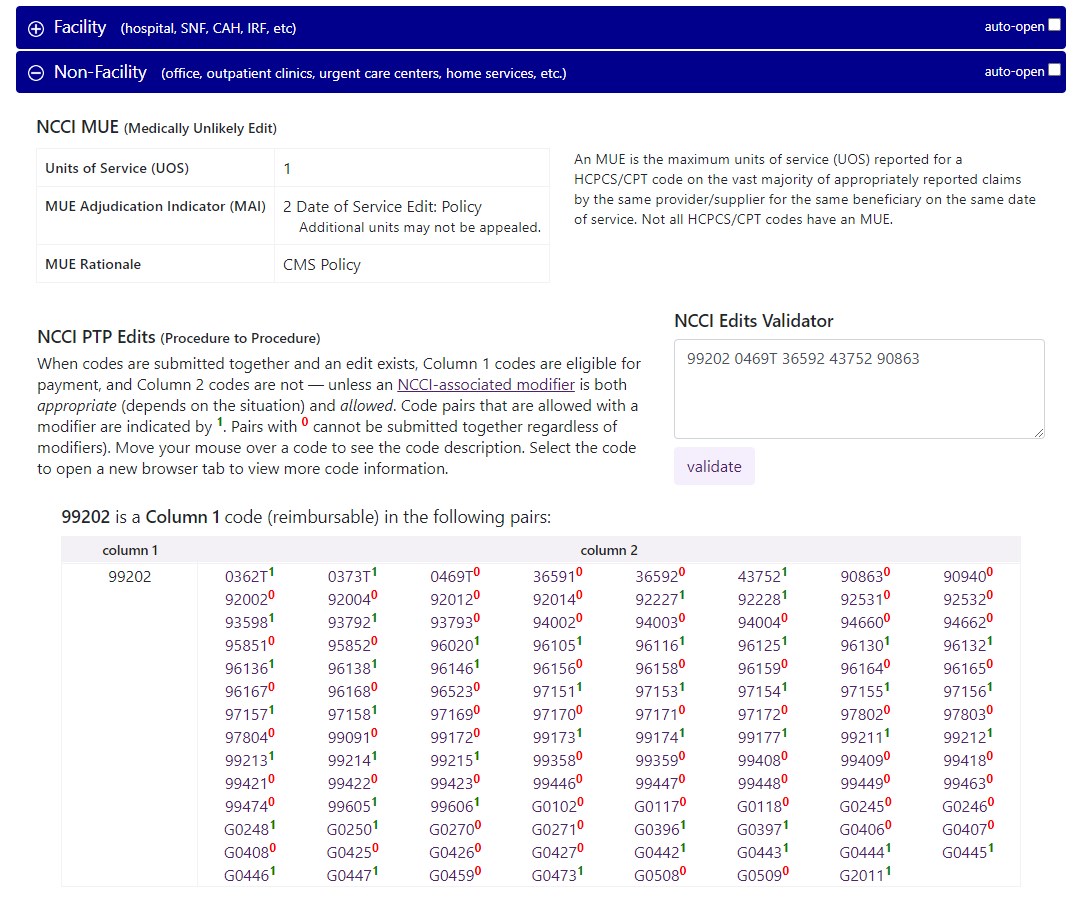
NCCI Edits changes are also shown: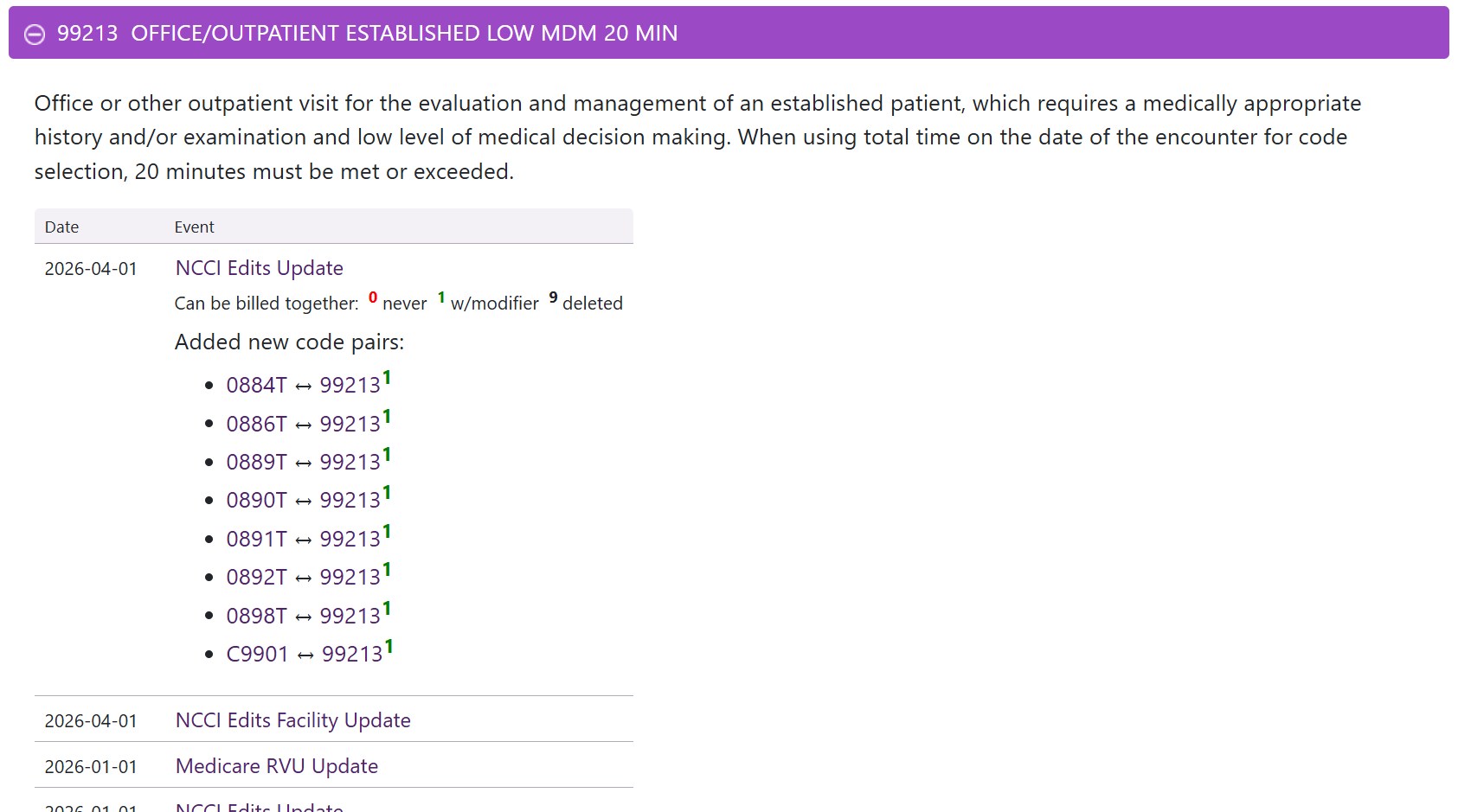
If you'd like to save the list of codes you've been reviewing, you can select the  button and enter a title: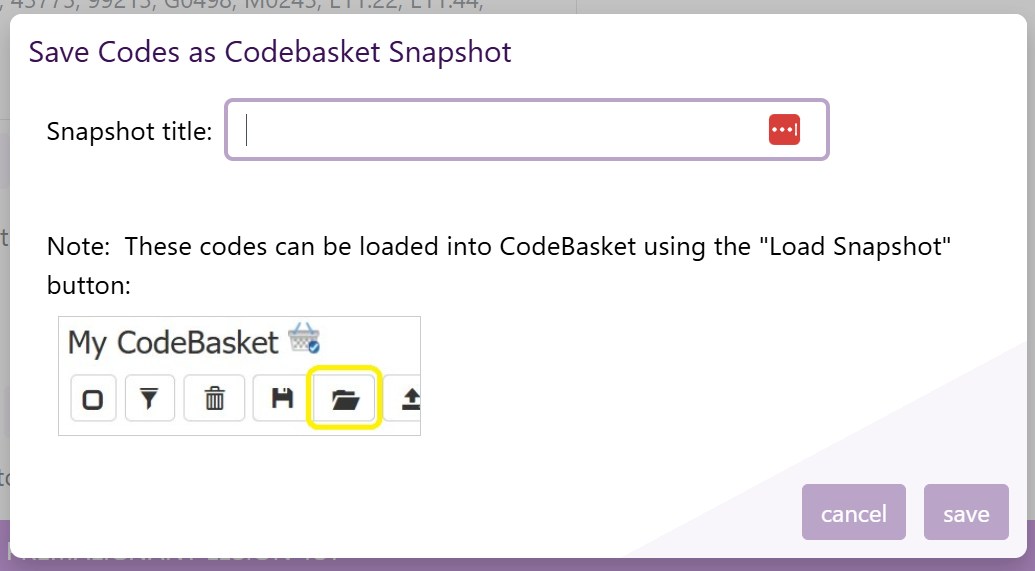
The list of codes is then saved as a CodeBasket Snapshot which can be loaded into other tools (including this one) for future use.
Try it out at: Code Changes
Happy coding!
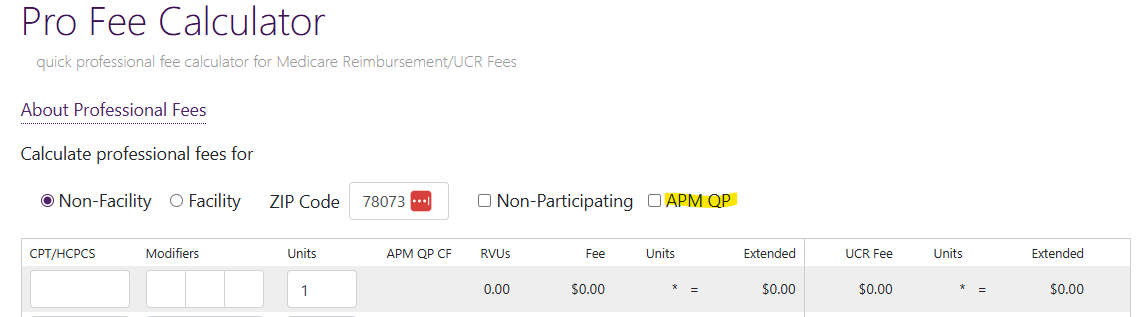
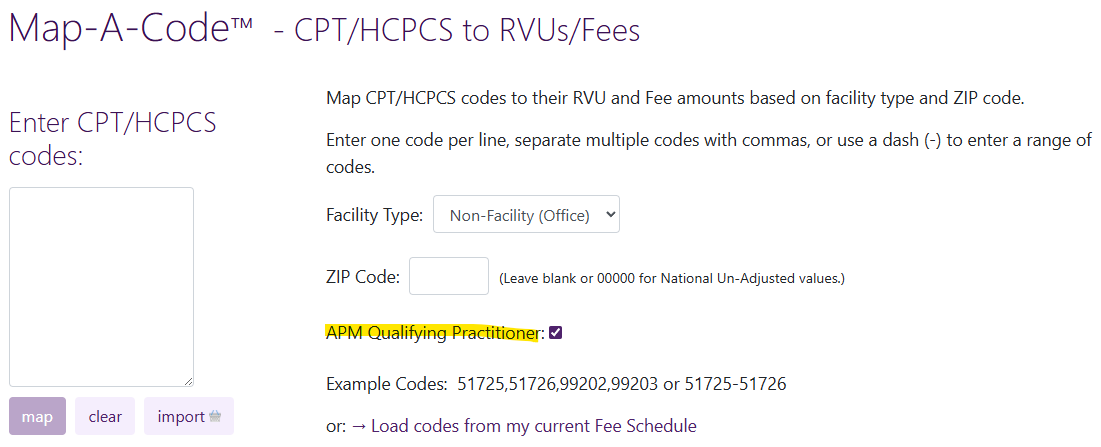
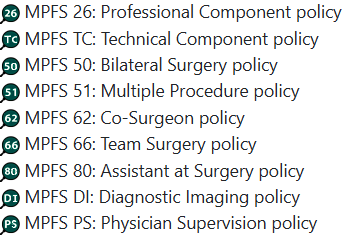
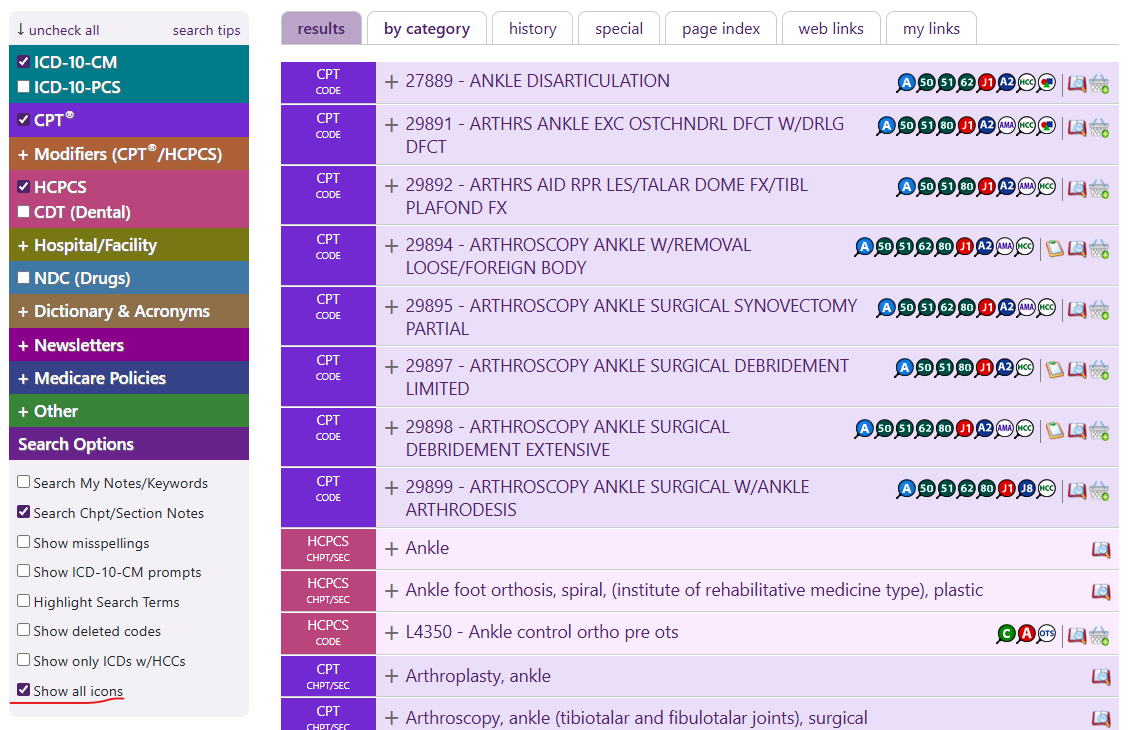


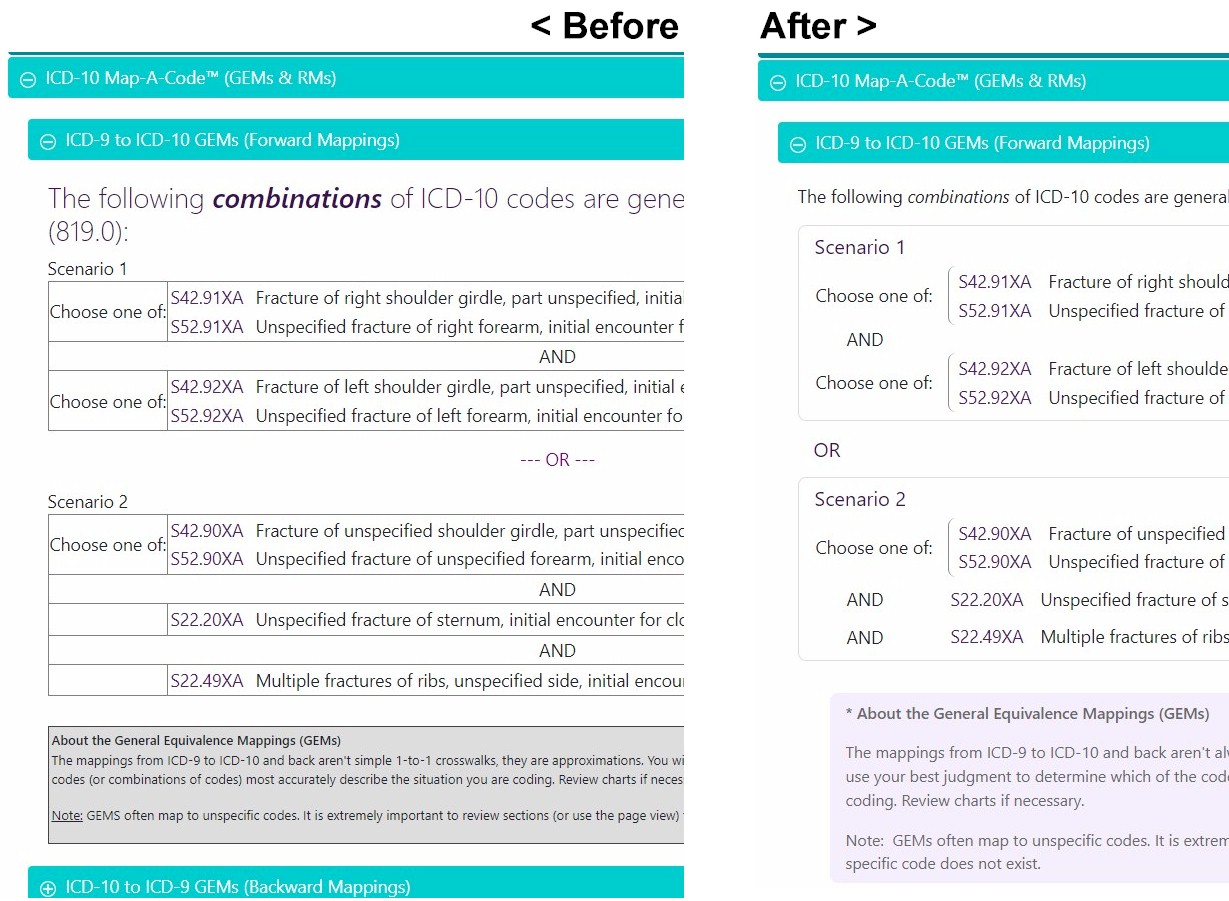
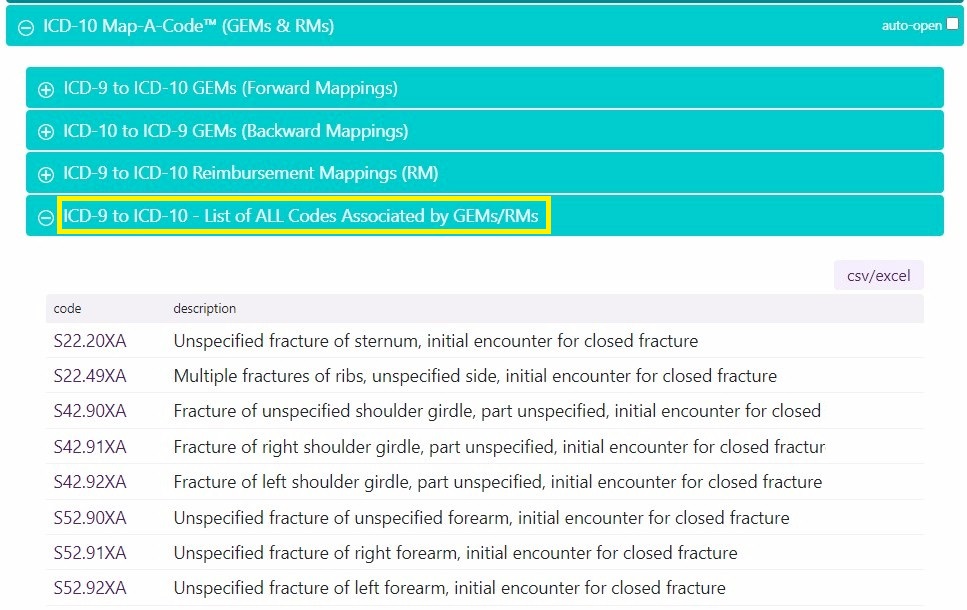
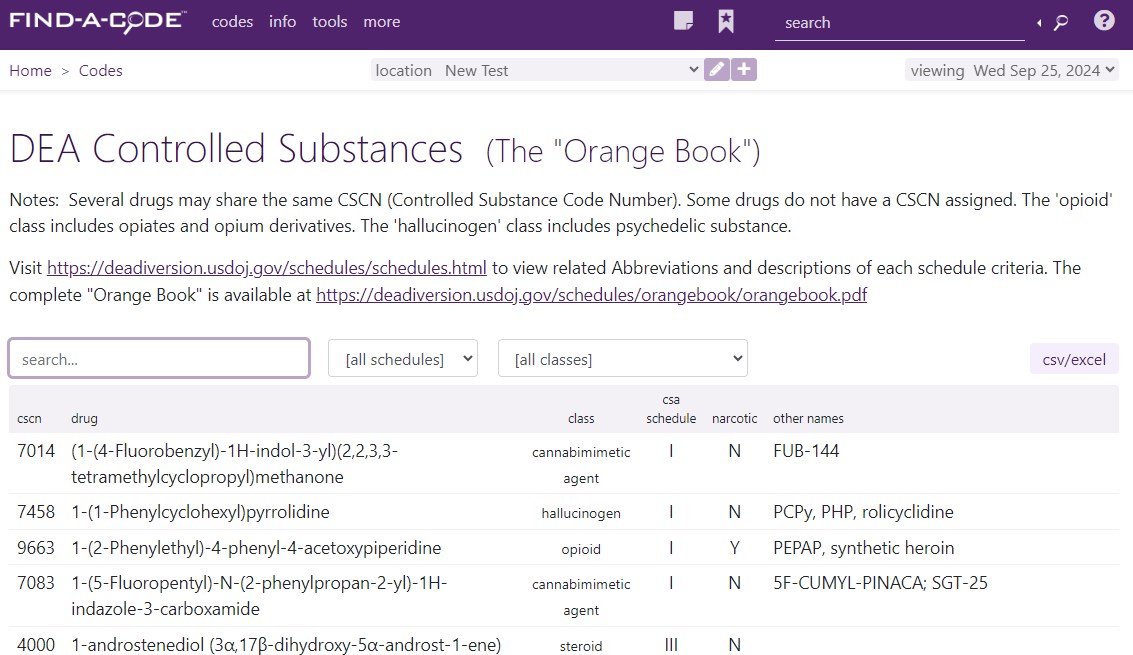
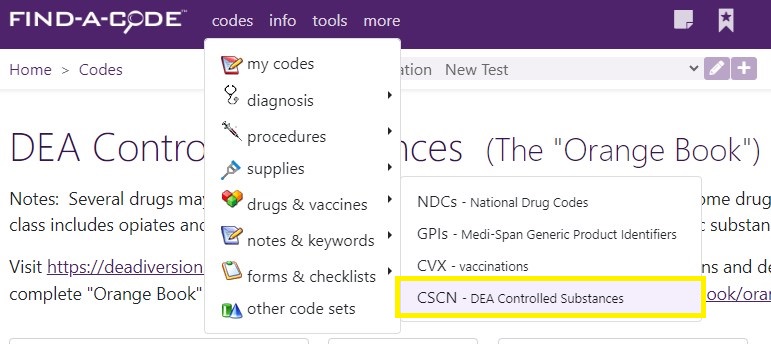



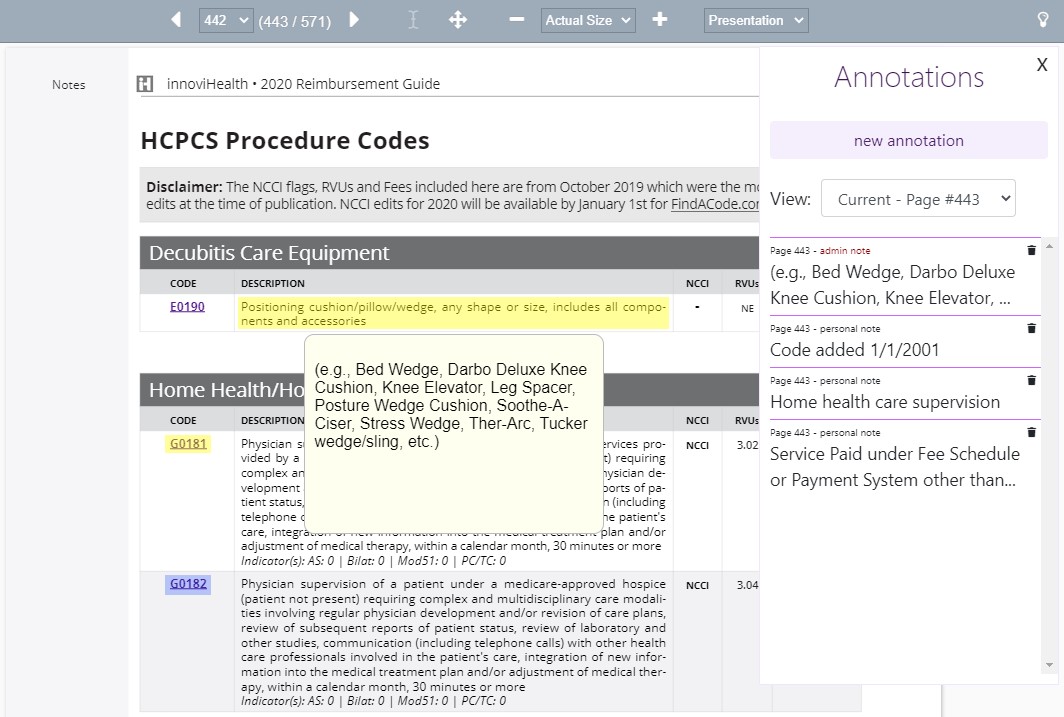
 When the icon is selected, the "notepad" window will open:
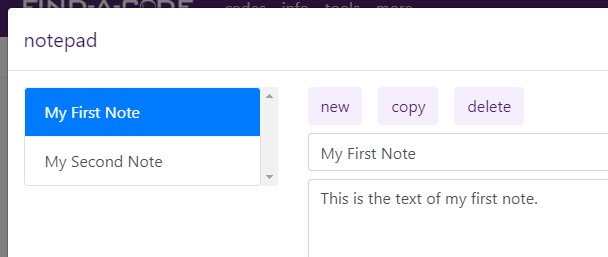 Notes may be added ("new" button) or removed ("delete" button) and the text of the note may be copied to the computer's clipboard by selecting the "copy" button.
Thank you for choosing Find-A-Code, please Sign In to remove ads.


 Quick, Current, Complete - www.findacode.com